
How to Write LinkedIn Posts That Drive Engagement
Learn to craft engaging LinkedIn posts that resonate with your audience through storytelling, visuals, and smart strategies.
Want to boost your LinkedIn game? Here's how to create posts that get people talking:
-
Keep it real and visual
-
Teach something valuable
-
Tell a story
-
Use AI tools wisely
-
Post at the right times
-
Engage with your audience
Key stats:
-
Posts with images get 98% more comments
-
Native video content is shared 20 times more
-
Aim for 900-1200 characters per post
Pro tip: Use LinkedIn's analytics to see when YOUR followers are most active.
Remember: Quality trumps quantity. Focus on creating value for your specific audience.
Ready to level up your LinkedIn presence? Let's dive in!
Related video from YouTube

How LinkedIn Content Works
Let's break down what makes LinkedIn posts tick and how you can use this to your advantage.
What Gets People to Engage
People on LinkedIn want real, useful content that speaks to their professional lives. Here's what works:
-
Keep it real: Share your experiences or industry insights. People love authenticity.
-
Make it visual: Posts with images get 2x more comments. Videos? 5x more engagement. And live streams? A whopping 24x more interaction.
-
Teach something: How-tos, case studies, and practical advice are gold on LinkedIn. They show you know your stuff.
-
Tell a story: As Jeff Gothelf from Harvard Business Review says, "Telling a compelling story is how you build credibility for yourself and your ideas." Share your leadership journey or real-world situations.
How the LinkedIn Algorithm Works
LinkedIn's algorithm is like a content bouncer. It decides what gets seen and what doesn't. Here's how:
1. Quality check: First, it weeds out spam. Good content moves forward.
2. Test run: Your post goes to a small group of your connections.
3. Engagement watch: If people interact, your post gets a wider audience.
4. Matchmaking: The algorithm finds users who might like your content based on their profiles and activity.
5. Ongoing performance: Posts that keep conversations going get more love.
To play nice with the algorithm:
-
Post regularly
-
Use 3-5 relevant hashtags
-
Ask questions and reply to comments
Best Types of Posts
Some posts just work better on LinkedIn:
-
Text-only posts: Yep, simple text can work wonders, especially lists or pro tips.
-
Native videos: Keep them under two minutes and add captions.
-
LinkedIn Newsletters: One user said, "I went from 0 to 450 subscribers in less than a month."
-
Questions: They're natural conversation starters.
-
Employee stories: Show off your team. It humanizes your brand and can boost engagement.
Writing Posts People Want to Read
Want your LinkedIn posts to stand out? Let's break down how to create content that grabs attention and keeps readers hooked.
Writing Strong Openings
Your first few lines can make or break your post. Take a cue from LinkedIn expert Jess Cook:
"My biggest rookie mistake was 𝘳𝘦𝘢𝘭𝘭𝘺 cringey. Here's what happened."
This opener works because it's personal, relatable, and promises a story. It makes you want to keep reading.
To craft your own attention-grabbing openings:
-
Use specific numbers or stats
-
Ask thought-provoking questions
-
Make bold statements
-
Start with a mini-story
You've got about two seconds to hook someone before they scroll past. Make them count.
How to Structure Your Posts
Once you've got their attention, keep it with a solid structure:
-
Hook: Your attention-grabber
-
Problem: What's bugging your audience?
-
Solution: Your take on fixing it
-
Proof: Back it up with examples or data
-
Call-to-Action: Get readers to engage
Keep your paragraphs short - 1-3 lines max. It's easier to read, especially on mobile.
Making Posts Easy to Read
Most people skim on LinkedIn. Make it easy for them:
-
Bold key points
-
Use professional LinkedIn emojis 👉 to guide the eye (but don't go overboard)
-
Add line breaks between paragraphs
-
Use bullet points for lists
David Ogilvy, the ad guru, said:
"On the average, five times as many people read the headline as read the body copy. When you have written your headline, you have spent 80 cents out of your dollar."
He was talking about ads, but it applies to LinkedIn posts too. Your opening lines are your headline - make them work hard.
Post Length Guide
How long should your post be?
-
Sweet spot: 900-1200 characters
-
Max length: 3000 characters
Shorter often works better. It's quicker to read and more likely to be finished. But don't cut out important stuff just to be brief. If you need more space to make your point, take it.
Using AI to Write Better Posts
AI is changing how we create LinkedIn content. Let's see how you can use AI to write posts that grab your audience's attention.
Getting Started with ContentIn
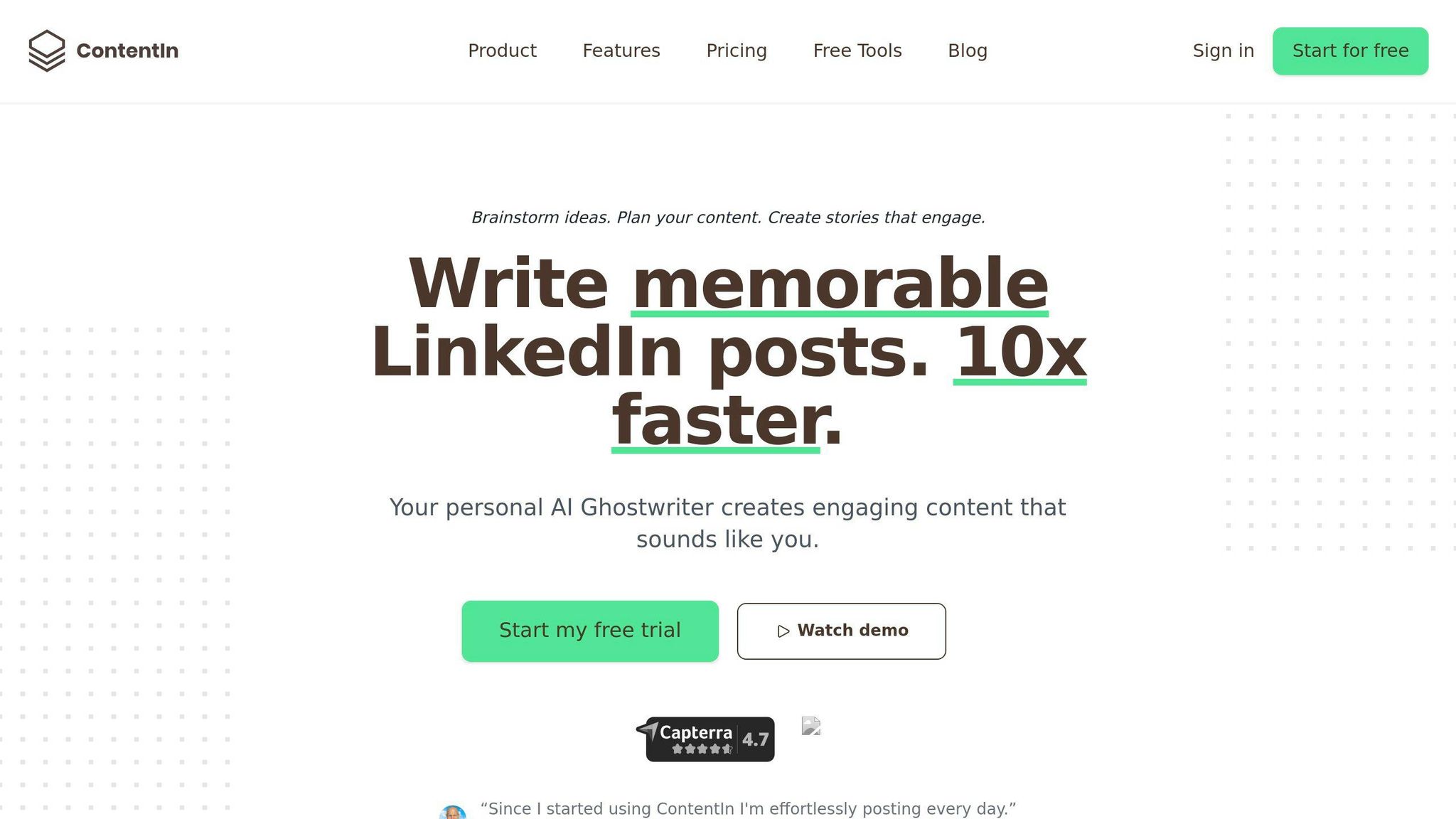
ContentIn is an AI tool made for LinkedIn posts. Here's how to begin:
-
Sign up on ContentIn.io
-
Link your LinkedIn profile
-
Check out the dashboard
ContentIn has an AI Ghostwriter that learns how you write. It makes posts that sound like you, saving you time.
Working with Post Templates
ContentIn offers over 100 templates based on popular LinkedIn posts. To use them:
-
Look through the template library
-
Pick a template that fits your goal
-
Add your own info and ideas
-
Check and tweak the AI-written content
Remember: templates are just a starting point. Add your own twist to make them stand out.
Getting Post Ideas from AI
Stuck for ideas? ContentIn's Endless Idea Generator can help. It can:
-
Suggest topics in your industry
-
Find hot topics in your network
-
Come up with angles based on what you know
For example, if you're in tech, it might suggest "5 AI Tools Changing How We Manage Projects" or "How Quantum Computing Affects Cybersecurity".
Making AI Posts Sound Like You
AI can write fast, but you want posts to sound like you. Here's how:
-
Train the AI: Use ContentIn's AI Ghostwriter. It learns from your old posts to copy your style.
-
Edit carefully: Always read and change AI-written posts. Add your own stories and insights.
-
Use your words: Notice phrases you often use and add them to AI posts.
-
Mix facts and stories: AI is great with data, but you bring the human touch. Combine AI facts with your experiences for interesting posts.
Sebastian Kinzlinger, who started ContentIn, says:
"AI in content creation isn't about replacing humans. It's about helping them. Use AI as a smart assistant to share your ideas better and faster."
Making Your Posts More Visible
Want your LinkedIn posts to get more eyeballs? It's not just about great content. It's also about smart sharing. Let's look at some tactics to boost your post visibility and engagement.
Best Times to Post
Timing matters on LinkedIn. Sprout Social's data shows these prime posting times:
-
Tuesdays and Wednesdays, 10 a.m. to noon
-
Thursdays at 10 a.m.
Why? That's when professionals often check their feeds. But don't take this as gospel. Your audience might be different.
Here's a pro move: Use LinkedIn's analytics to see when YOUR followers are most active. Test different times for a few weeks. See what works best for your network.
Using Hashtags Right
Hashtags help you reach beyond your network. Here's how to use them well:
-
Keep them relevant to your post
-
Mix popular and niche tags
-
Stick to 3 hashtags per post (LinkedIn's recommendation)
For a digital marketing post, you might use: #DigitalMarketing #MarketingStrategy #AIinMarketing
Remember: LinkedIn hashtags are clickable. They're not just for show – they're paths for new connections to find you.
Tagging Other Users
Tagging can boost your reach, but use it wisely:
-
Only tag people relevant to your post
-
Limit tags to 1-3 people per post
-
Explain why you're tagging them
For example: "Great AI marketing insights from @JaneSmith in this article."
Getting More Comments
Comments are LinkedIn gold. They boost visibility and create real conversations. Here's how to get more:
-
End posts with thought-provoking questions
-
Ask for opinions or experiences
-
Reply quickly to keep conversations going
Mike Weiss, who writes the "Increase Your Sales on LinkedIn" Newsletter, says: "Keep posts under 250 words for better engagement. Shorter posts get more reads and comments."
Tracking and Improving Results
Want to make your LinkedIn posts more effective? You need to keep tabs on how they're doing. Let's look at LinkedIn analytics and how to use data to fine-tune your content strategy.
Key Metrics to Watch
Not all LinkedIn metrics are equally important. Here are the ones you should focus on:
-
Engagement rate: The percentage of people interacting with your post compared to those who see it. It shows how well your content connects with your audience.
-
Impressions: How many times your post shows up in LinkedIn feeds. This tells you about your content's reach.
-
Click-through rate (CTR): If you're adding links, this shows how often people click them.
-
Follower growth: A steady increase suggests your content is attracting new audience members.
Making Sense of Your Stats
LinkedIn gives you a detailed analytics dashboard for both personal profiles and company pages. Here's how to use it:
1. Find your analytics:
-
Personal profiles: Click "View profile" and scroll to "Analytics".
-
Company pages: Go to your page and click the "Analytics" tab.
2. Look for patterns: Which posts get the most engagement? Is it your how-to guides? Industry insights? Personal stories?
3. Check your audience: LinkedIn shows you follower demographics. Use this to tailor your content.
4. Track over time: Don't just look at single posts. Watch how your metrics change over weeks and months to spot trends.
Improving Your Posts
Use your analytics to make your LinkedIn content better:
-
Do more of what works: If certain topics or formats consistently do well, create more of that content.
-
Play with timing: Try posting at different times and track when you get the most engagement. Sprout Social says the best times for LinkedIn are Tuesdays and Wednesdays between 10 a.m. and noon.
-
Adjust your voice: Notice the language and tone in your top posts. Are they formal or casual? Informative or inspirational? Tweak your writing style accordingly.
-
Talk to your audience: Respond to comments and join conversations. It boosts visibility and helps you understand what your audience wants.
Try New Things
To really boost your LinkedIn game, you need to experiment:
-
A/B testing: Make two versions of a post with one small change (like the headline or image) and see which does better.
-
Mix up content types: Try different post types - text, images, videos, polls, and the occasional LinkedIn meme. See what gets the most attention.
-
Play with hashtags: Test using different numbers and types. LinkedIn suggests no more than 3 per post, but find what works for you.
-
Switch up your CTAs: Try different calls-to-action at the end of your posts. Ask for comments one week, shares another, and see what happens.
Remember, getting better at LinkedIn is an ongoing process. As Steve Kearns, Global Head of Content at LinkedIn Ads, says:
"One of the most critical things to recognize about effective social media engagement is that it's not about how much, but who."
Focus on creating value for your specific audience. Use these tracking and improvement strategies to refine your approach over time. Keep at it, make data-driven decisions, and you'll see your LinkedIn engagement take off.
Conclusion
Writing LinkedIn posts that get people talking isn't rocket science. It's about knowing the platform, your audience, and how to tell a good story online. Let's break down what we've learned:
Know Who You're Talking To LinkedIn has a ton of users - 772 million to be exact. But focus on the 310 million who check in monthly. They're looking for professional inspiration. And here's a fun fact: 89% of B2B marketers use LinkedIn to find leads. Your posts can make a real difference.
Write Stuff People Want to Read Your headline is just as important as the post itself. Aim for 40-49 characters in your headline - that sweet spot gets the most views. Break up your text so it's easy to read. And don't be afraid to throw in an emoji or two 👍 to make your post stand out.
Use Pictures and Videos Posts with images get twice as many people interested. Videos? They're shared 20 times more than other types of content. Mix it up to keep things interesting.
Post Often Try to post 5 times a week. It keeps you visible and ups your chances of going viral. As Pete Davies from LinkedIn says:
"Show up on the platform every day, discuss relevant topics, and share valuable knowledge."
Talk to People Don't just post and disappear. Reply to comments, ask questions, and join in on industry chats. It helps you build your network and shows you know your stuff.
Use Smart Tools Think about using AI tools like ContentIn to help you create posts. It can save you time while keeping your unique voice.
Check How You're Doing Use LinkedIn's stats to see how your posts are doing. Look at things like how many people engage with your posts, how many see them, and if you're getting more followers. Use what you learn to get better over time.
Remember, you won't become a LinkedIn star overnight. It's about showing up regularly with good stuff to share. Use these tips, keep tweaking what you do, and you'll be on your way to creating LinkedIn posts that people actually want to read and talk about.
Start small, keep at it, and be yourself. Your unique take on things is what will make your posts stand out on LinkedIn. Now go create some content that makes people stop scrolling and start talking!
FAQs
How do you maximize engagement on LinkedIn?
Want to boost your LinkedIn engagement? It's all about visual content.
LinkedIn's data shows that posts with images or videos get way more engagement than plain text. In fact, videos are shared 20 times more than other content types on the platform.
Here's how to pump up your LinkedIn game:
-
Add visuals: Throw in some images, infographics, or short videos.
-
Post often: Share stuff 3-5 times a week to stay visible.
-
Interact: Before posting, engage with 5-10 other posts. The algorithm loves that.
-
Play with timing: Test different posting times to catch your audience when they're most active.
But here's the kicker: quality trumps quantity. As Stacy Havener puts it:
"According to LinkedIn's data, posts with images or videos receive significantly higher engagement than text-only posts."
How to write formula in LinkedIn post?
There's no magic formula for LinkedIn posts, but some structures work better than others. Here are a few to try:
Problem, Agitation, Solution (PAS) Identify a problem, stir it up, then swoop in with your solution.
Attention, Interest, Desire, Action (AIDA) Hook 'em, keep 'em interested, make 'em want it, then tell 'em what to do.
Before-After-Bridge (BAB) Show the now, paint the future, explain how to get there.
Promise, Picture, Proof, Push Make a promise, show the benefits, back it up, and nudge them to act.
Inverted Pyramid Start with the juicy stuff, then fill in the details.
The Rule of Three Focus on three main points. People love threes.
The Four Us Make your post Useful, Urgent, Unique, and Ultra-specific.
Whatever formula you choose, keep it real and valuable. LinkedIn expert Akshay Kothari says:
"The depth of the post matters more than the length; posts should include 3-5 valuable points or takeaways."
Create Engaging LinkedIn Content
Use ContentIn's AI Ghostwriter to write posts that resonate with your audience and build your personal brand effortlessly.